

Using environment variables and secrets in this channel’s configAny literal-secret field in this alert channel — webhook URL, API key, bearer token, service key, etc. — accepts a variable or secret reference using the familiar Handlebars syntax:
{{MY_VARIABLE}}.You can also promote a value to a secret directly from the field: type the literal value, click the lock icon next to the input, and choose a name. The value is stored as an encrypted account secret and is never re-displayed in the UI.The PagerDuty channel’s
serviceKey (integration key) accepts environment-variable references — e.g. {{PAGERDUTY_SERVICE_KEY}} — so you can store the integration key as an account secret instead of inline in the channel config.- Trigger alerts in Pagerduty when a check fails.
- Resolve alerts when a check recovers.
-
Navigate to the alert settings tab on the account screen and click the ‘Add channels’ button.

-
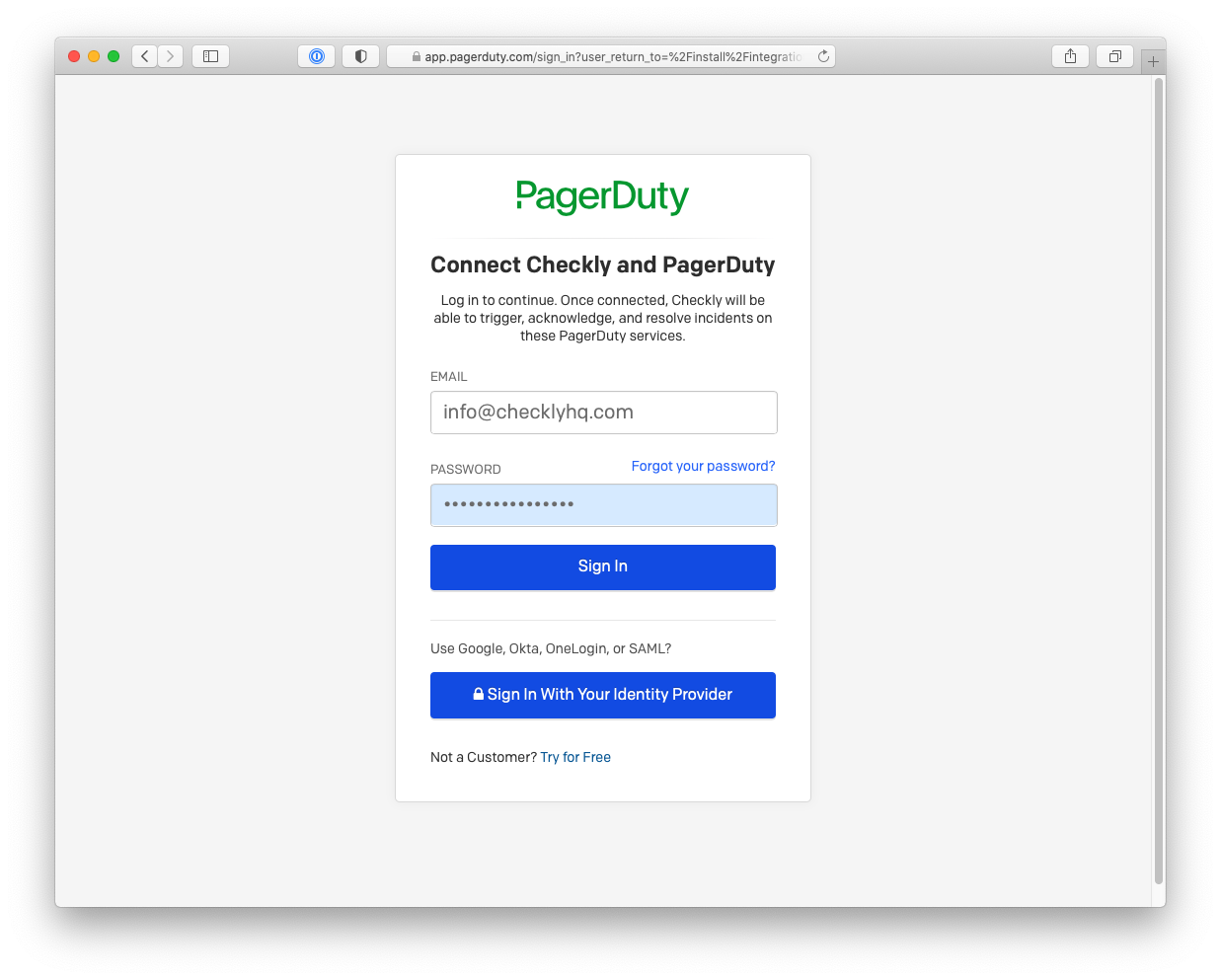
Clicking the Alert with Pagerduty button will take you to a Pagerduty Connect screen. Provide your credentials and click
Sign In to allow Checkly to connect with Pagerduty.
-
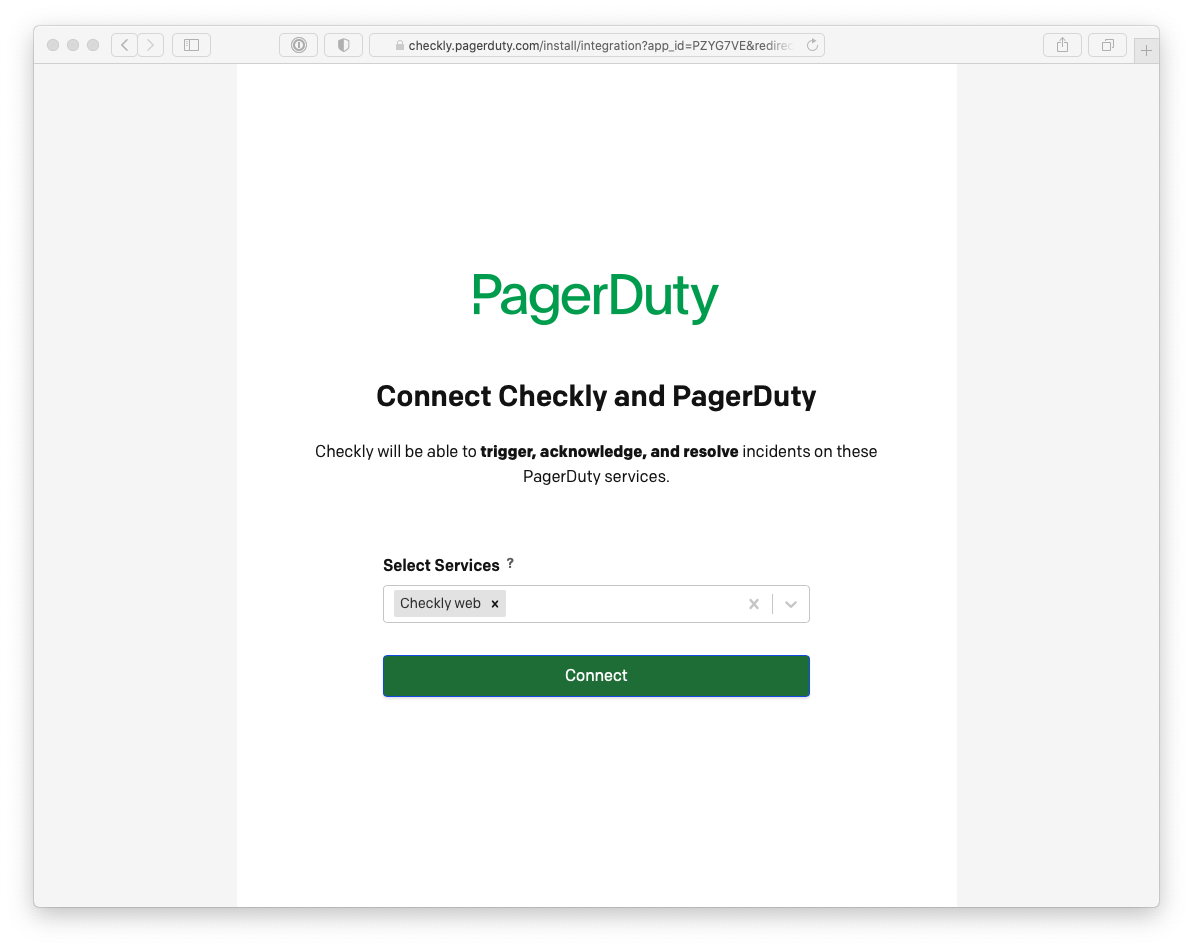
On the next screen you can hook up Checkly to one or more existing services. If you select multiple services, we will
create multiple dedicated channels so you have more flexibility of muting, editing and managing the channels.
Click Connect to save your settings and redirect you back to Checkly.
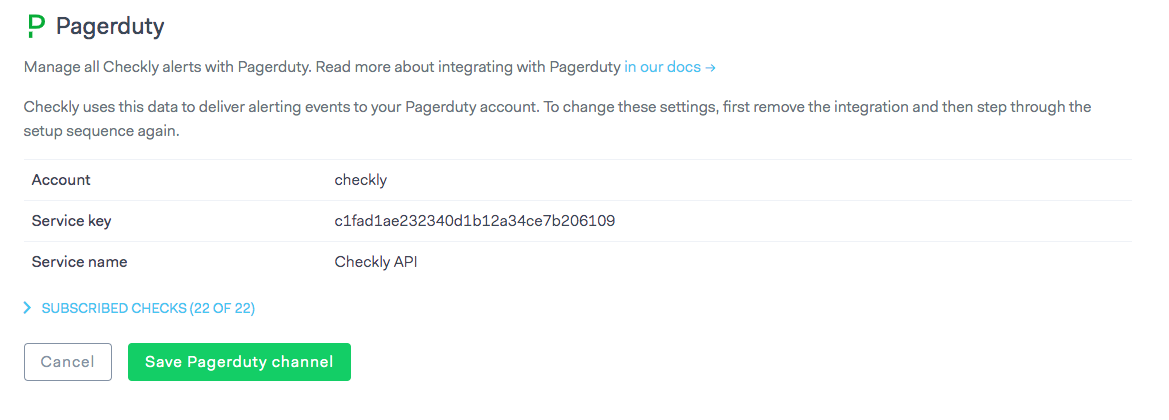
- Back in Checkly, you should see your Pagerduty integration credentials reflected in the alert settings. Don’t forget to hit Save Pagerduty channel.
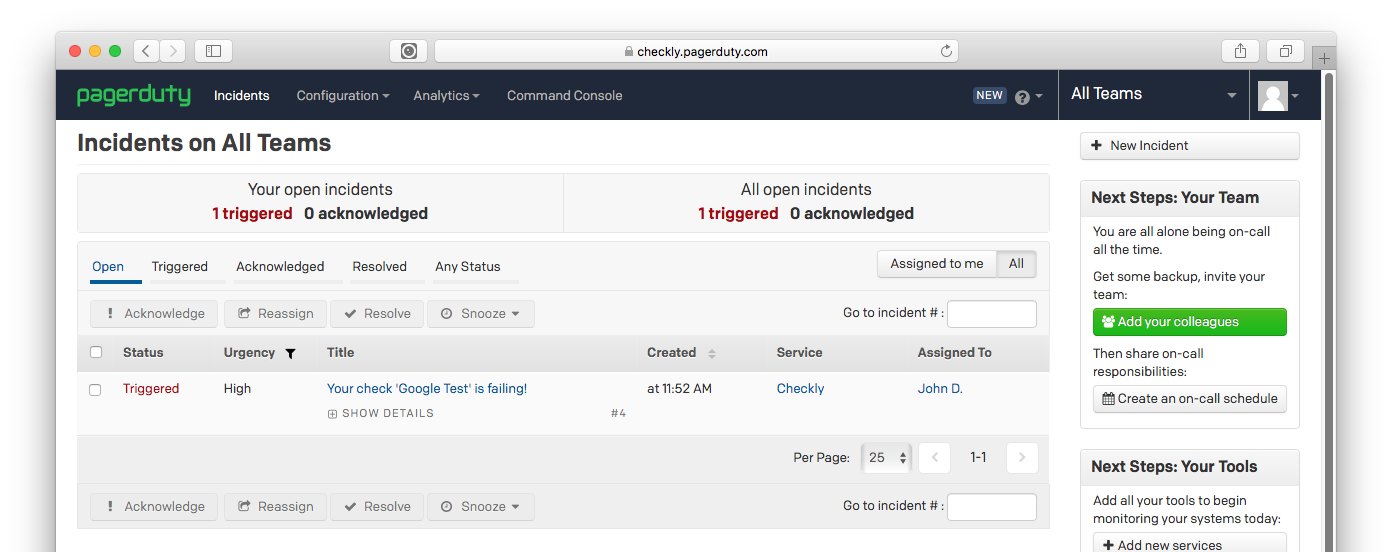
- Checkly will trigger an incident in Pagerduty when checks fail and also mark them as resolved when the checks are passing again.
Advanced PagerDuty Configuration
PagerDuty Alert Mapping
Configure how Checkly alerts map to PagerDuty incidents:Advanced PagerDuty Features
Leverage PagerDuty’s advanced incident management capabilities:PagerDuty Best Practices
- Service Organization: Create separate PagerDuty services for different applications or teams
- Escalation Policies: Set up appropriate escalation chains based on check criticality
- Priority Mapping: Use check tags to automatically assign appropriate incident priorities
- Integration Keys: Use different integration keys for different environments (production, staging)
- Custom Fields: Include relevant context like response times, error messages, and check locations